


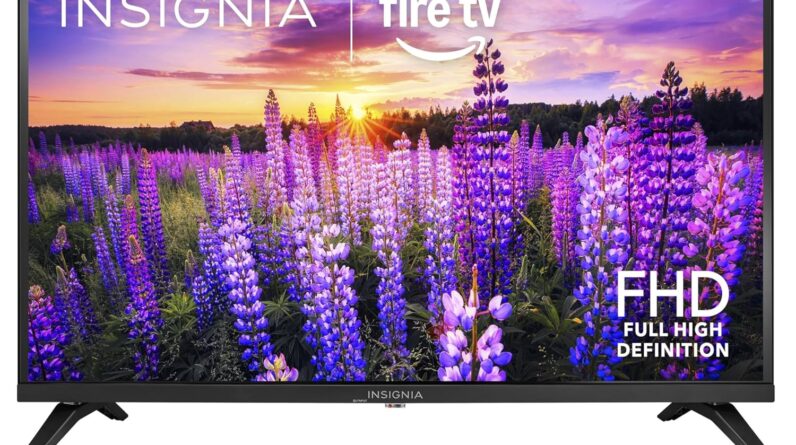
?Looking for a compact, affordable 40-inch smart TV that works with Alexa and gives you access to tons of streaming content?
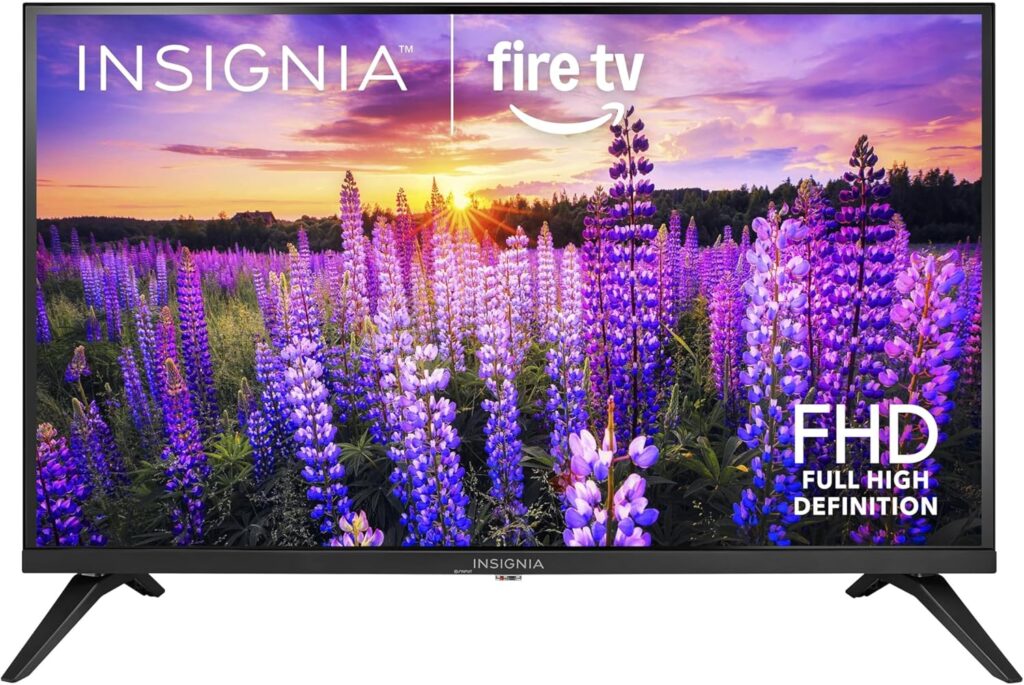

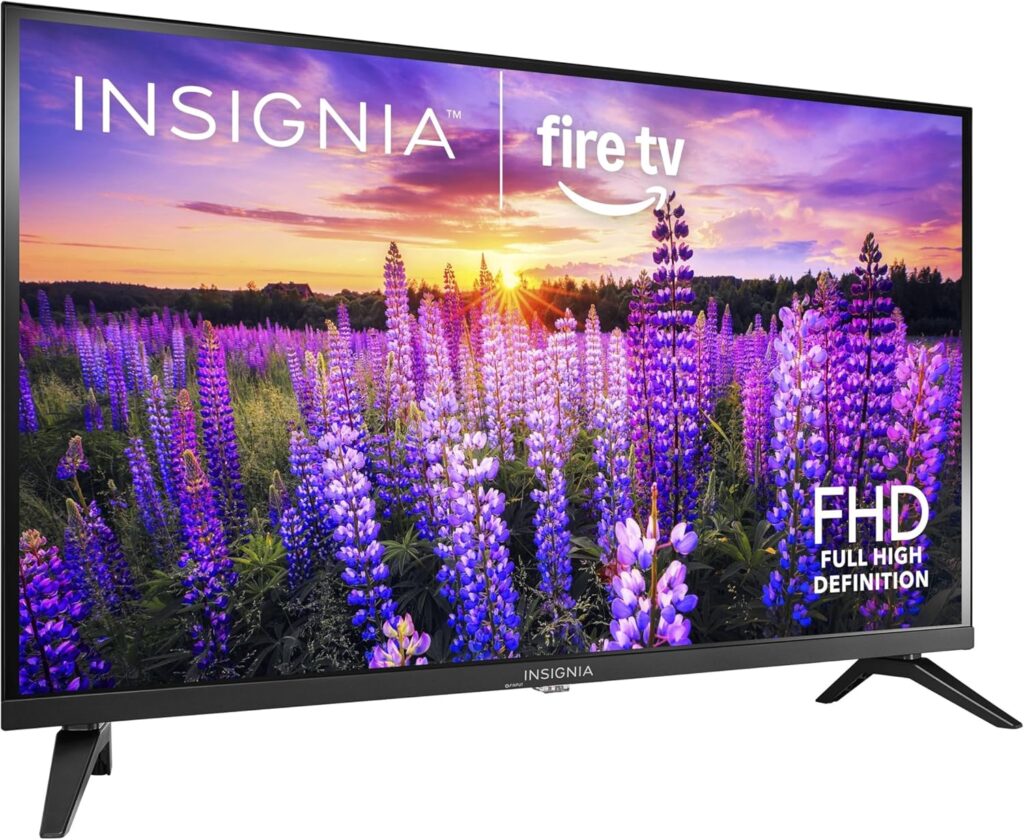
Overview of the INSIGNIA 40″ Class F40 Series LED Full HD Smart Fire TV, Voice Remote with Alexa, Free & Live TV
You’ll find that this Insignia model aims to balance price, features, and everyday usability. It’s a 1080p Full HD LED TV running Amazon’s Fire TV interface, and it’s designed for people who want a straightforward smart TV experience without paying a premium.
What this TV promises for your viewing experience
The TV promises crisp 1080p resolution for movies, shows, and gaming on a 40-inch screen, along with easy voice control through the Alexa-enabled remote. It also advertises access to a massive catalog of streaming apps and channels, plus some nice extras like DTS Virtual-X audio and multiple connection options.
Design and build
You’ll notice the design is practical rather than flashy, with a slim bezel and a plastic chassis that keeps the weight down. The build quality feels appropriate for the price point — sturdy enough for everyday use and light enough for wall mounting or placing on a stand.
Physical appearance and finishes
The TV comes in a neutral black finish that blends with most rooms and furniture. The bezels are slim but visible, and the screen has an anti-glare coating that helps in moderately bright rooms.

Display and picture quality
You’ll get 1080p Full HD resolution, which is still perfectly suitable for a 40-inch screen where pixel density remains high and details look sharp. Expect good clarity for streaming, cable TV, and console gaming, though HDR performance and deep contrast will be limited compared to higher-end models.
Brightness, colors, and contrast
The panel offers decent brightness for indoor viewing and maintains natural-looking colors in most genres of content. Contrast can feel moderate — blacks won’t be as deep as on LED panels with local dimming or OLED, but the overall picture remains pleasing for typical living room or bedroom viewing.
Smart TV platform: Fire TV experience
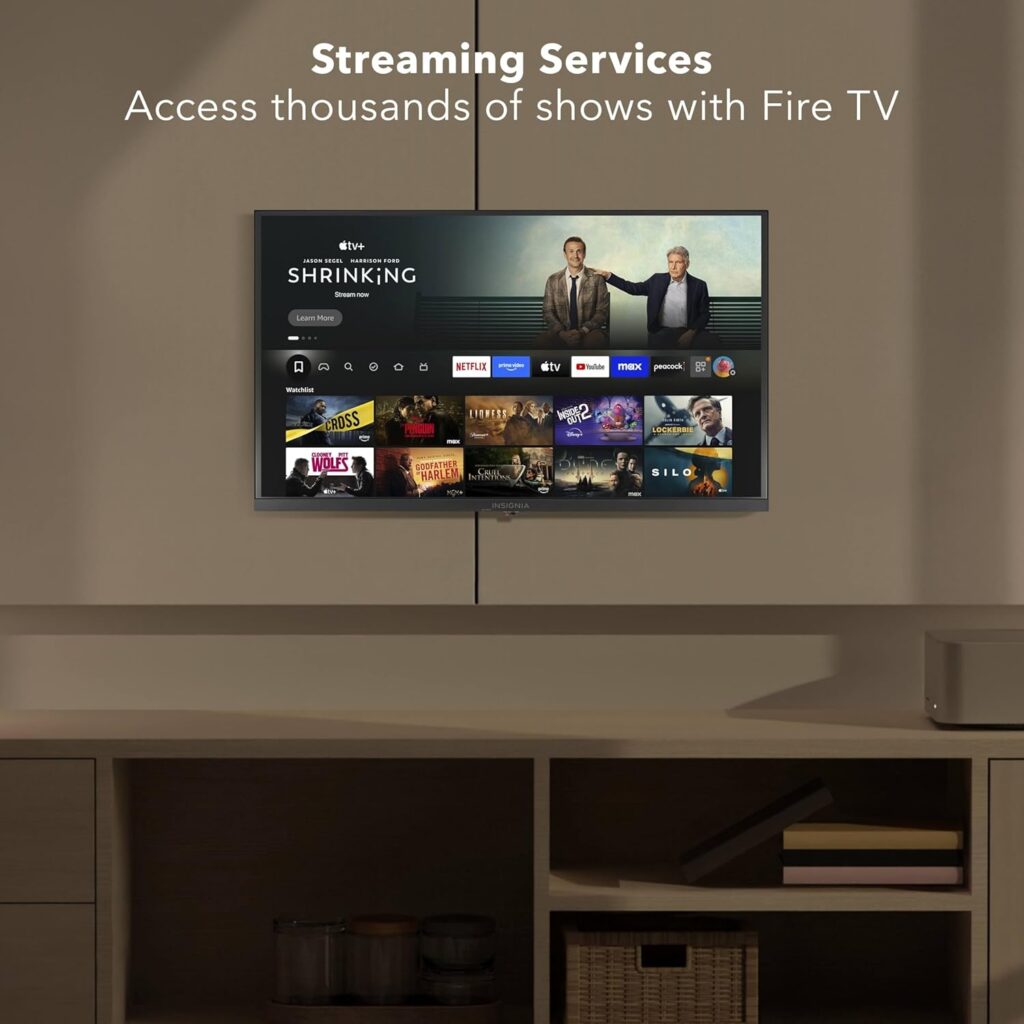
You’ll find Fire TV intuitive if you’re already familiar with Amazon’s ecosystem. The interface gives quick access to popular streaming services and regularly surfaces recommended content based on your viewing habits and installed apps.
Apps, streaming services, and content options
This TV supports major services such as Prime Video, Netflix, Hulu, HBO Max, YouTube, Apple TV+, Disney+, ESPN+, Sling TV, Paramount+, and others. You’ll have access to over 1.5 million streaming movies and TV episodes, plus thousands of channels and Alexa skills through the Fire TV platform.
Remote and Alexa voice control
You’ll control the TV with the included Alexa Voice Remote, which makes searching and navigating much faster than typing. Press and hold the voice button to ask Alexa to find shows, launch apps, change inputs, control playback, or even switch to cable.
Voice search, hands-free actions, and smart home control
Voice control covers entertainment tasks and basic smart home commands if you have compatible devices. While the remote isn’t hands-free (you press and hold the voice button), Alexa’s abilities for searching content and controlling playback are convenient and often accurate.
Audio and sound performance
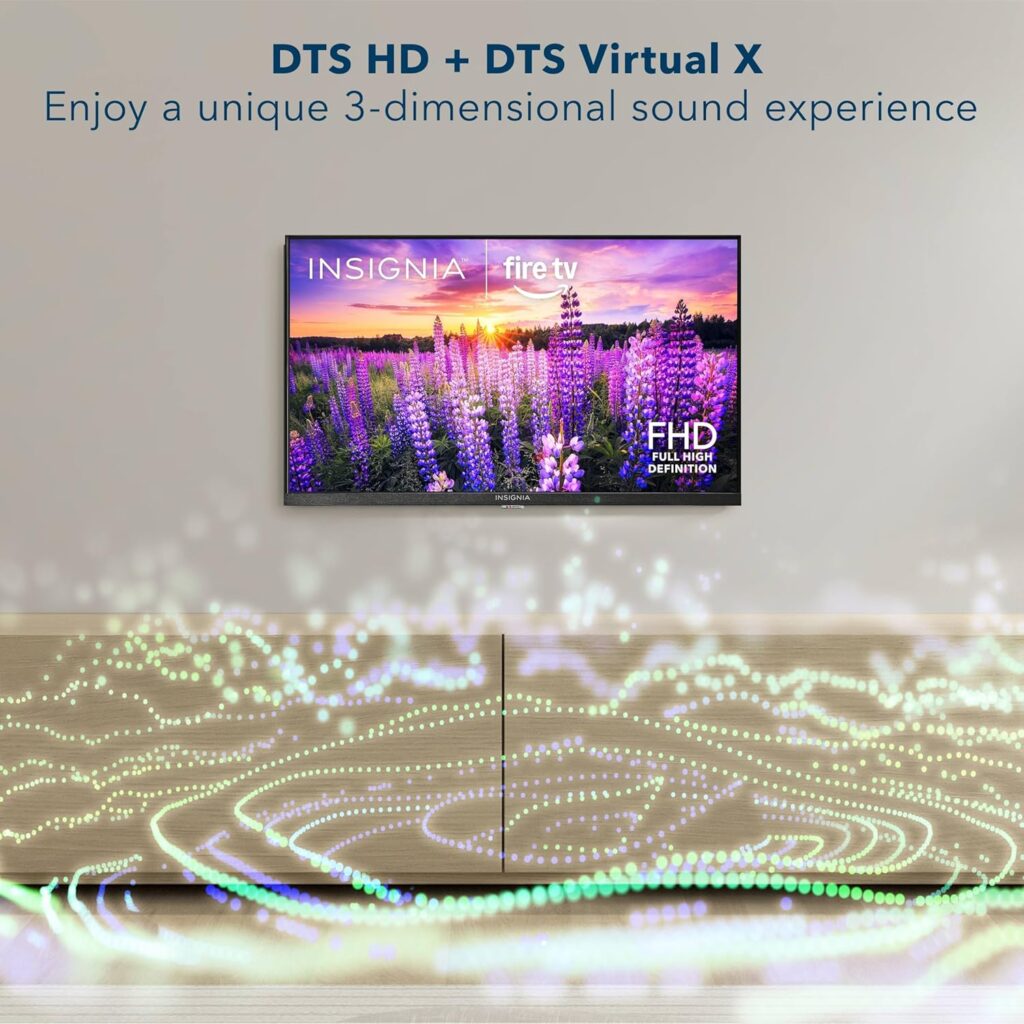
You’ll hear audio enhanced by DTS Virtual-X, which aims to create a wider, more immersive soundstage from the TV’s built-in speakers. The effect improves perceived depth and spatialization slightly, but if you want cinematic bass and loud volume without distortion, a soundbar or external speakers will help.
Support for HDMI ARC and audio output options
This TV supports HDMI ARC, enabling you to send audio directly to a compatible soundbar or receiver over HDMI and keep cables tidy. There’s also an optical digital output and a headphone jack for private listening if needed.
Connectivity and ports
You’ll find a decent selection of ports that let you hook up a Blu-ray player, game console, cable box, or USB storage. The variety of inputs makes the TV flexible for different setups.
Break down of ports and wireless features
Below is a handy table summarizing the most relevant connections and wireless specs so you can quickly review what’s available.
| Connection Type | Quantity/Specification | Typical Use |
|---|---|---|
| HDMI ports | 2 HDMI | Connect game console, streaming device, Blu-ray player, or cable box |
| HDMI ARC | 1 (via one HDMI port) | Send TV audio to ARC-compatible soundbar or AV receiver |
| USB port | 1 USB | Play media files from USB drive or update firmware |
| Composite (AV) jacks | Yes | Connect legacy devices like older DVD players |
| Digital optical output | 1 | Send audio to a soundbar or AV receiver |
| Headphone jack | 1 (3.5mm) | Private listening with wired headphones |
| Coaxial (antenna) | 1 | Connect OTA antenna for local channels |
| Wi‑Fi | Built-in | Stream apps and services wirelessly |
Setup and initial experience
You’ll likely have the TV out of the box in under 20 minutes, especially if you’re comfortable connecting HDMI devices and signing into streaming accounts. The Fire TV setup is straightforward, guiding you through Wi‑Fi, Amazon account linking, and app selection.
Tips for faster setup and optimal picture
Sign into the streaming services you use most during setup to make them accessible from the home screen. Adjust picture mode (Standard, Movie, Dynamic, etc.) and turn off any unnecessary motion smoothing if you prefer a more natural image.
Parental controls and user profiles
You’ll be able to manage content access with parental controls, blocking based on program ratings or entire channels as needed. When you lock content behind a PIN, you keep children from accessing programming you’d rather restrict, while still being able to use the TV freely yourself.
How parental controls fit into everyday use
Parental controls are easy to enable and configure through the Fire TV settings. You’ll appreciate having a PIN option so kids can’t inadvertently change settings or watch content you’ve hidden.
Gaming performance
You’ll find the TV suitable for casual gaming on consoles and streaming game services, thanks to its responsive Full HD panel. For competitive or fast-paced gaming, input lag is acceptable for most players but won’t match high-end gaming monitors or TVs that specifically advertise low-latency gaming modes.
Console compatibility and picture modes for games
Connect your PlayStation, Xbox, or Nintendo Switch via HDMI for smooth gaming sessions, and enable Game mode if available to reduce input lag. The 1080p resolution is great for consoles that upscale nicely or for older systems that target that resolution.
Streaming and live TV features
You’ll get seamless access to hundreds of apps and thousands of channels through Fire TV, plus the ability to watch Free & Live TV offerings directly on the set. That mix of on-demand streaming and live content makes it a great central hub for most households.
Using Free & Live TV and subscription services together
You’ll be able to mix free content, ad-supported channels, and your existing subscriptions in one interface. Fire TV’s recommendations can surface free programming as well as content from services you already pay for, saving you time searching.
Picture calibration and settings to try
You’ll want to adjust a few settings to match your room lighting and content preferences — small tweaks can make a noticeable difference. Try the preset picture modes and then fine-tune brightness, contrast, color, and sharpness until the image looks natural to you.
Practical adjustments for better performance
Turn off motion smoothing for movies so motion looks filmic rather than artificially smooth. If you watch in a dark room, reduce the backlight or brightness to protect your eyes and improve perceived contrast.
Maintenance and software updates
You’ll receive firmware updates via the Fire TV platform that keep apps current and occasionally add new features or performance patches. Regular updates help maintain app compatibility and security, so keep the TV connected to your Wi‑Fi.
Cleaning and physical upkeep
Use a microfiber cloth to gently wipe the screen and avoid harsh chemicals that could strip anti-reflective coatings. Dust the vents and ports to prevent buildup, especially if the TV is placed near a carpet or pet area.
Energy use and sustainability
You’ll appreciate that the product packaging is FSC-certified, signaling sustainable sourcing for the outer box materials. The set also tends to have modest power consumption for a 40-inch LED, which helps keep operating costs reasonable.
Environmentally conscious features and considerations
Beyond the FSC-certified packaging, you can reduce power draw by enabling energy-saving modes and turning off the TV when not in use. Energy efficiency is beneficial for both the planet and your utility bill.
Wall mounting and placement options
You’ll be able to wall-mount the TV using standard VESA mounts, or place it on a stand with the included legs depending on your room layout. The light weight and standard mounting pattern make installation straightforward if you have the right tools and wall hardware.
Practical placement tips
Position the TV at eye level from your main seating area for the most comfortable viewing. Leave some ventilation space around the TV, especially if it’s in a closed cabinet or tight nook, to avoid overheating.
Common issues and troubleshooting
You’ll occasionally run into streaming app sign-in issues or network hiccups, which are often resolved by rebooting the TV or re-signing into the affected app. HDMI handshake problems are typically corrected by reseating cables or trying another HDMI port.
When to contact support
If you encounter persistent issues after power cycling and re-checking connections, reach out to Insignia or the retailer for warranty support. Documenting error messages and conditions helps support diagnose problems faster.
Comparison with other TVs in the same class
You’ll find that compared to other 40-inch TVs in the budget-to-midrange segment, this Insignia stands out for its Fire TV integration and Alexa remote. Some competitors may offer slightly better contrast, HDR performance, or more HDMI ports, but they may cost more or lack the built-in Fire TV interface.
Trade-offs to expect at this price point
You’ll trade some high-end features, such as advanced local dimming, wide color gamut HDR, and superior built-in speakers, for a lower price and a very usable smart platform. If you prioritize streaming convenience and voice control on a modest budget, this model is a strong contender.
Pros and cons
You’ll see clear strengths like integrated Fire TV, Alexa voice remote, and Full HD resolution. At the same time, you’ll find some limits, such as average audio and contrast performance compared with premium displays.
| Pros | Cons |
|---|---|
| Integrated Fire TV with access to thousands of apps and channels | No local dimming or advanced HDR performance |
| Alexa Voice Remote for easy voice control | Audio is adequate but a soundbar improves experience |
| Full HD 1080p resolution on a 40-inch screen | Limited number of HDMI ports (2) for complex setups |
| DTS Virtual-X for enhanced spatial sound | Not designed for high-end gaming or professional calibration |
| FSC-certified outer packaging for sustainability | Remote requires button press for voice (not always hands-free) |
Who should buy the INSIGNIA 40″ Class F40 Series LED Full HD Smart Fire TV, Voice Remote with Alexa, Free & Live TV
You’ll be happy with this TV if you want an affordable, reliable smart TV for bedrooms, apartments, dorms, and secondary living areas. It’s great for people already invested in Amazon’s ecosystem, or anyone who wants easy access to streaming apps and Alexa voice control.
Who might prefer a different option
You’ll want to consider other models if you need superior HDR, deeper blacks, or a built-in premium sound system for a main home theater. Gamers who need ultra-low input lag or those who want a larger screen for cinematic experiences might prefer higher-end options.
Price and value considerations
You’ll find this Insignia model typically priced in the budget-to-midrange tier, offering good value for the features included. When you factor in Fire TV, Alexa integration, and Full HD picture quality, the TV represents a solid bargain if you’re focused on everyday streaming and TV watching.
Tips for getting the best deal
Look for sales events, bundle offers, or retailer discounts, especially during holiday promotions or Amazon Prime Day. You might also check refurbished or open-box options if you’re comfortable with a warranty-backed used unit to save more.
Real-world usage scenarios
You’ll use this TV comfortably in a living room where mostly streaming, live TV, and gaming are the main activities. It’s also well-suited as a bedroom TV where compact size, ease of setup, and voice control make everyday use simple.
Example setup for a typical user
Set the TV on a media console with a compact soundbar connected via HDMI ARC to improve audio. Sign into your main streaming services, enable parental controls if you have kids, and keep a USB drive handy for occasional media playback.
Final verdict
You’ll walk away with a clear sense that the INSIGNIA 40″ Class F40 Series LED Full HD Smart Fire TV, Voice Remote with Alexa, Free & Live TV is an excellent value for those seeking a dependable, feature-packed small-to-medium screen smart TV. It caters to viewers who want intuitive Fire TV integration, straightforward voice control with Alexa, and enough connectivity to support a standard home entertainment setup.
Bottom line for your buying decision
If you want an affordable television that’s easy to use, offers full access to mainstream streaming services, and integrates Alexa voice control without extra devices, this Insignia model is a smart choice. If your priorities are advanced picture technology or premium audio without additional equipment, you may want to look at higher-tier options.
Disclosure: As an Amazon Associate, I earn from qualifying purchases.


