


Are you trying to decide whether the Amazon Fire TV 50″ Omni QLED Series 4K UHD smart TV, Dolby Vision IQ, Fire TV Ambient Experience, local dimming, hands-free with Alexa is the right upgrade for your living room?

Quick Verdict
You’ll get a bright, colorful QLED panel with a strong set of smart features and hands-free Alexa built in, making this TV a compelling option for mainstream buyers. The combination of Dolby Vision IQ, HDR10+ Adaptive, local dimming, and Fire TV integration gives you a great balance of picture and convenience for the price.
Product Overview
This 50″ Omni QLED Series model blends Quantum Dot color with a full array local dimming backlight and an ambient sensor to produce punchy HDR images. It also offers the Fire TV experience, hands-free Alexa support, and HDMI eARC for audio upgrades, so you can build a simple but capable home theater.

Design and Build
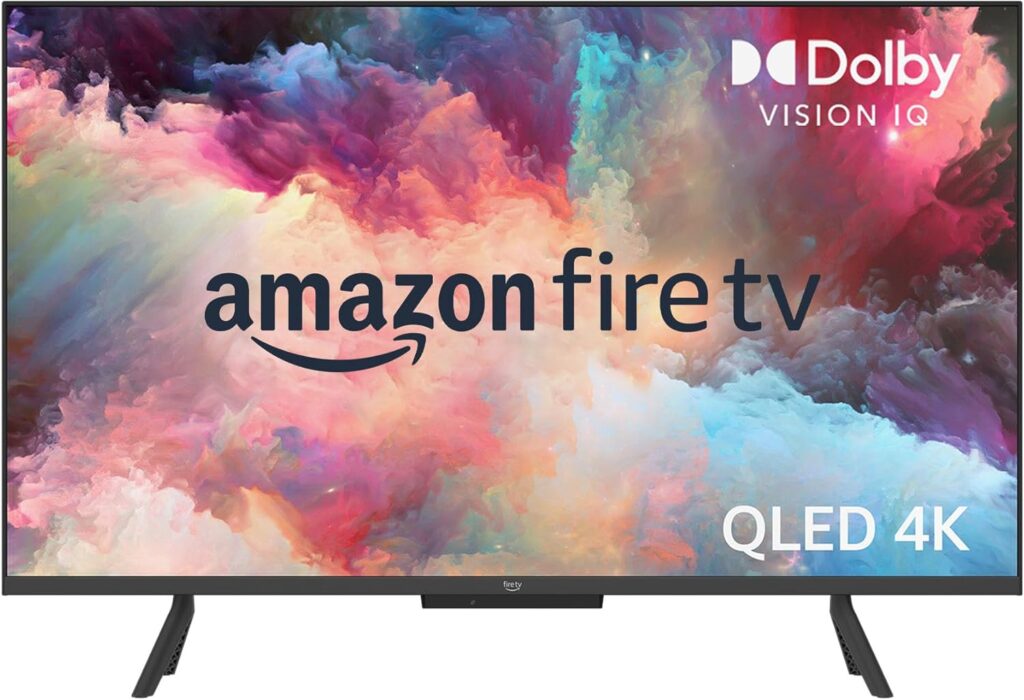
Physically, the TV leans toward a clean, modern aesthetic with a narrow bezel and a low-profile stand that fits on most media consoles. You’ll find the materials are typical for midrange sets: mostly plastic with a matte finish, but assembly and fit are solid enough for everyday use.
Aesthetics and Stand
The screen has a near-borderless look that helps you focus on content instead of a thick frame, and the stand positions the TV at a comfortable height for sofas and chairs. The bottom bezel is slightly thicker to accommodate branding and any IR sensor, but it doesn’t distract during viewing.
Remote and Controls
The included Fire TV remote is familiar if you’ve used Amazon’s remotes before, with dedicated app buttons and voice control via Alexa. You’ll also be able to control the TV hands-free thanks to built-in microphones, so you can leave the remote on the couch when you want to change volume, launch apps, or ask Alexa to find shows.
Display Technology
The QLED (Quantum Dot) panel is the core reason you’re looking at this TV: it boosts color volume and saturation compared with standard LED LCDs. Combined with 4K resolution and HDR support, the panel aims to deliver vibrant, lifelike images for movies, sports, and games.
QLED Quantum Dot Color
Quantum Dots produce a wider color gamut and more saturated hues, which makes reds, greens, and blues pop while keeping skin tones natural. You’ll notice richer colors in animated films and more nuanced shades in live-action content.
4K Resolution and Upscaling
Native 4K resolution gives you sharp detail when you’re streaming 4K content or using a 4K console, and the TV’s upscaler does a respectable job improving lower-resolution sources. You won’t get the absolute clarity of a premium flagship panel, but for everyday viewing the result is crisp and pleasing.
HDR Performance: Dolby Vision IQ, HDR10+ Adaptive, HDR10, HLG
You get a broad HDR toolkit: Dolby Vision IQ and HDR10+ Adaptive dynamically optimize scenes based on content and ambient light, while HDR10 and HLG ensure maximum compatibility. Dolby Vision IQ adapts tone mapping to the room’s lighting and the content’s metadata, so highlights and shadow detail stay balanced without manual fiddling.
Adaptive Brightness and Ambient Light Sensor
A built-in sensor adjusts screen brightness to match your room lighting, so bright rooms keep highlights vivid and dim rooms don’t blind you with excessive glare. This automatic adjustment is handy for mixed-use rooms where lighting conditions vary throughout the day.
Local Dimming and Contrast
The TV uses full array local dimming with 48 individual zones to improve black levels and contrast, which yields deeper darks and brighter whites in most scenes. Local dimming is effective on scenes with pockets of brightness against darker backgrounds, though blooming can appear in high-contrast scenes because of the moderate number of zones.
Picture Quality in Real Use
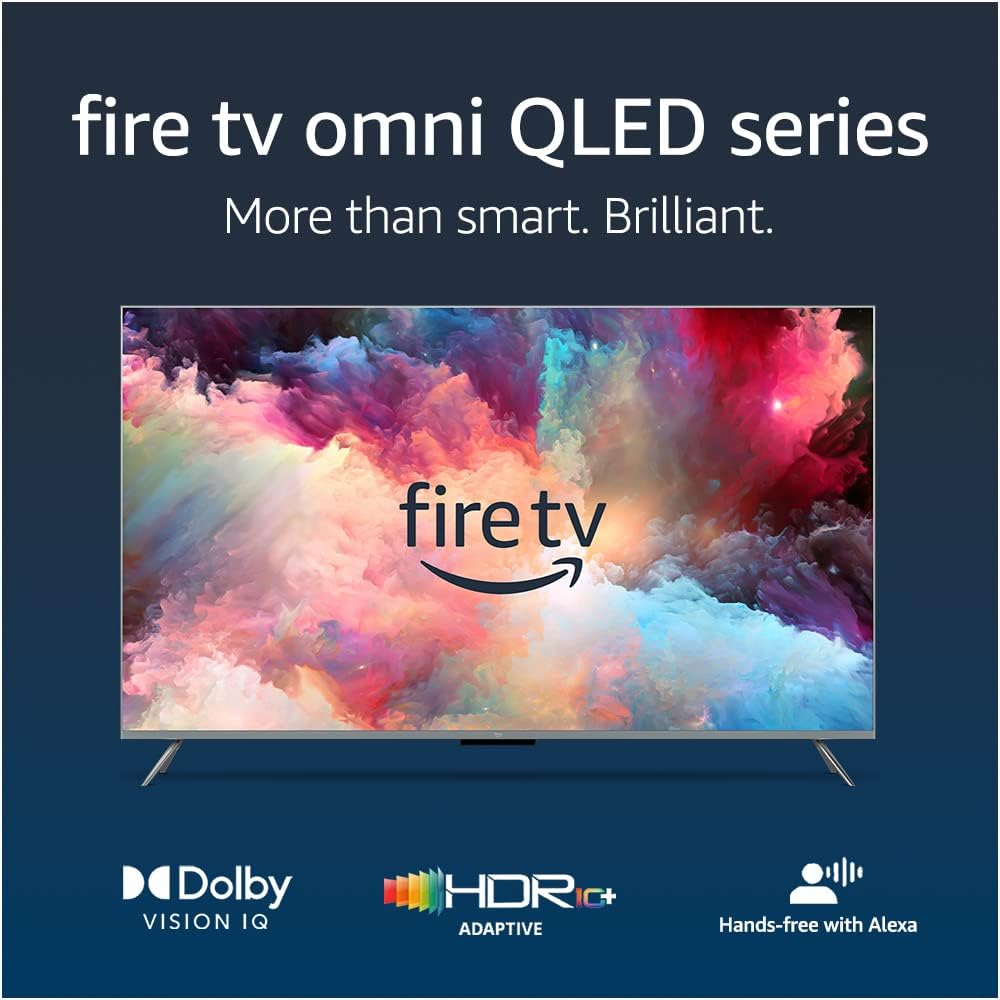
Real-world picture quality often depends on source material and room conditions, and this Fire TV strikes a pleasing balance between punchy HDR and accessible color science. You’ll get strong highlights, saturated colors, and generally accurate skin tones, though very dark scenes won’t match a high-end OLED.
Movies and TV Shows
For cinematic viewing, the TV makes HDR movies look more vivid compared with non-QLED competitors, and Dolby Vision IQ helps retain detail in both shadows and highlights. You’ll appreciate the color volume on nature documentaries and the improved pop on superhero movies, though absolute black levels will be less inky than OLED.
Sports and Fast Motion
Fast-moving sports and action sequences remain readable and energetic thanks to solid motion processing, but you might notice slight smearing or ghosting in very fast pans if you’re highly sensitive. Motion settings can be tweaked to your taste, but many viewers will find the out-of-the-box motion performance acceptable.
Gaming Performance and Input Lag
If you play console games, the TV supports a low-latency Game Mode that reduces input lag significantly, giving a responsive feel when using modern consoles. The 4 HDMI inputs and support for VRR (variable refresh rate) on compatible consoles make this set a decent choice for casual to serious gamers, although hardcore competitive players might prefer displays with faster response times.
Audio Performance
Built-in speakers deliver clear dialogue and decent midrange, but they won’t produce a theater-filling soundstage or deep bass on their own. For immersive movies and music, you’ll likely want to augment the TV with a soundbar or external speakers using HDMI eARC or Bluetooth.
Built-in Speakers and Sound Modes
The speakers handle everyday TV and streaming well, prioritizing voice clarity and balanced mids, but complex scenes with heavy music or effects can sound thin. The TV offers sound modes to emphasize dialogue or widen the soundstage, and these can help when you don’t have external audio.
Connecting External Audio: eARC, Soundbars, Alexa Speaker Pairing
The HDMI eARC lets you pass high-quality audio to a soundbar or AV receiver for lossless formats and better dynamics, so you can upgrade sound without losing functionality. You can also wirelessly pair compatible Echo speakers using the Alexa app to build a simple multiroom or surround-like configuration, though that won’t match a dedicated AV receiver setup.
Smart TV Features
Fire TV is one of the strongest selling points: it’s intuitive, fast, and supports the major streaming services you likely already use. The platform’s app ecosystem, voice integration, and content aggregation help you find and watch shows quickly without jumping through menus.
Fire TV Platform and App Availability
With access to Netflix, Prime Video, Disney+, Hulu, and thousands more apps, you’ll find virtually all mainstream streaming sources supported. The interface emphasizes content recommendations and voice search, so you can say a show’s name and begin playback almost instantly.
Fire TV Ambient Experience
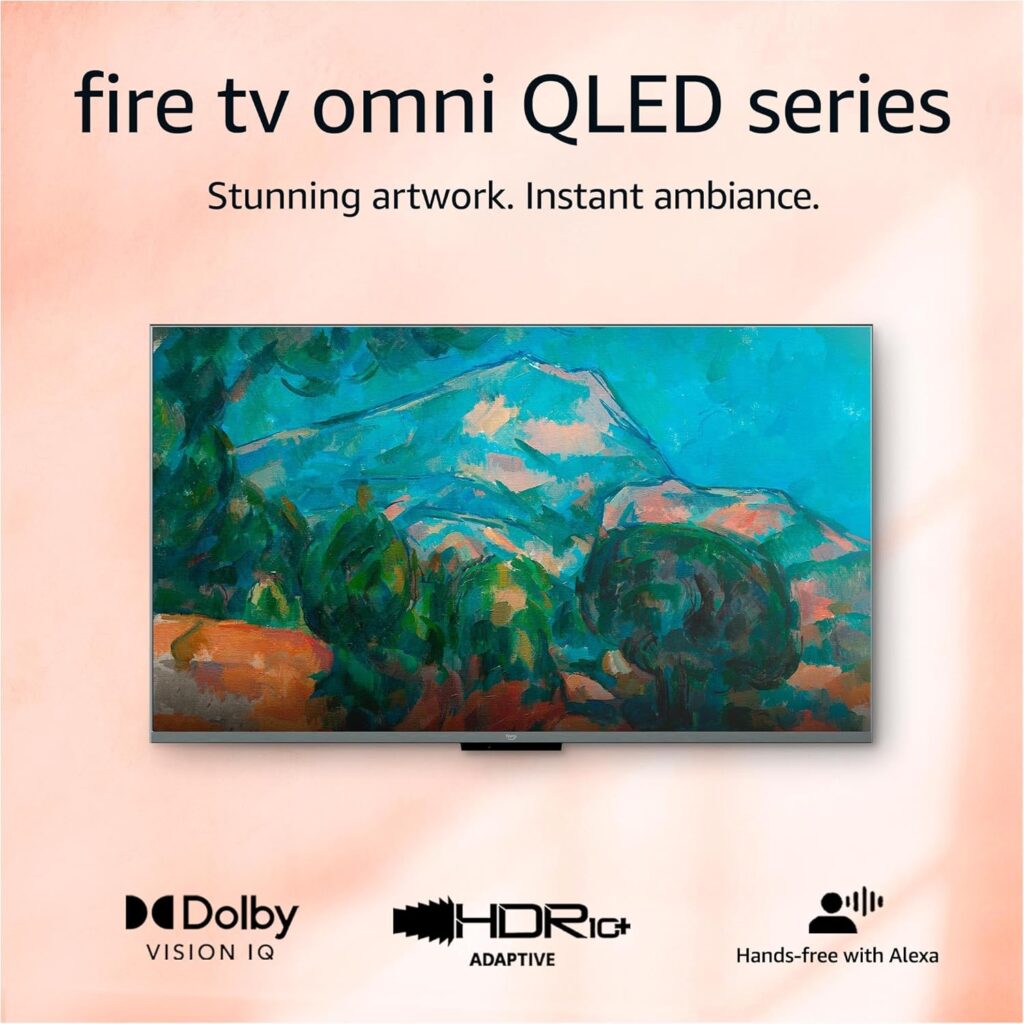
When you’re not watching, the Ambient Experience transforms the screen into a rotating canvas of artworks, personal photos, and clocks to reduce the appearance of a black screen. It’s a nice touch if you want the TV to feel less like a dormant slab of glass and more integrated into living room décor.
Hands-free Alexa and Voice Control
Built-in microphones let you use Alexa without touching the remote: ask to change channels, control volume, find specific titles, and even get weather or news updates. Hands-free control is very convenient when your hands are full or when you want to steer the TV from across the room.
Alexa Home Theater and Multiroom Audio
You can wirelessly pair Echo speakers to form a simple home theater setup with Alexa Home Theater for improved sound staging, and multiroom audio lets you play the same music throughout linked devices. The setup and syncing are handled through the Alexa app, making integration straightforward for anyone already in Amazon’s ecosystem.
Connectivity and Ports
You’ll find a practical selection of inputs and wireless options that cover consoles, streaming devices, cable boxes, and audio gear. The inclusion of HDMI eARC, 4 HDMI ports, and Wi‑Fi plus Bluetooth makes this TV fit well into a modern home entertainment setup.
- HDMI inputs: 4 (one with eARC)
- USB: at least 1 (for service or media)
- Optical audio: depends on SKU (check model)
- Ethernet: 1
- Wi‑Fi: Dual-band (2.4/5 GHz)
- Bluetooth: Yes (for remotes, headphones, and audio devices)
| Connection Type | Details |
|---|---|
| HDMI | 4 HDMI inputs, one supporting eARC for high-quality audio passthrough |
| USB | At least one USB port for media playback or service |
| Ethernet | Wired network connection for stable streaming |
| Wi‑Fi | Dual-band (2.4/5 GHz) for wireless streaming |
| Bluetooth | For headphones, remotes, and some audio devices |
| Optical | May be available on some models for legacy audio gear |
You’ll want to check the exact back panel layout before you purchase if you plan on several wired devices, but the typical complement here is roomy enough for most users.
Setup and Daily Use
Setting up the TV is straightforward, with guided on-screen prompts for network, account sign-in, and channel or app configuration. Daily use stays simple thanks to Fire TV’s curated home screen, voice search, and automatic brightness adjustments.
Calibration Tips
You’ll get the best balance of color and contrast by starting with the “Movie” or “Filmmaker” picture mode and then adjusting brightness and backlight to suit your room. If you’re interested in more accurate calibration, a basic colorimeter or a calibration service can push picture fidelity further, but casual viewers can be very satisfied with default settings.
Software Updates and Support
Amazon regularly pushes firmware updates that add features, fix bugs, and sometimes improve picture processing, so keep automatic updates enabled for the smoothest experience. The availability of updates can vary regionally, so check periodically if you notice any quirks or missing features.
Privacy and Security
Amazon includes several privacy protections and controls to help you manage voice recording and microphone access. There’s a physical switch that electronically disconnects the microphones, and you can delete voice recordings and control settings in the Alexa app to maintain your privacy.
Microphone Disconnect Switch
The electronic switch offers peace of mind because it prevents the mic hardware from capturing audio when it’s turned off, giving you a clear physical step to disable hands-free features. You’ll still be able to use the remote’s voice button when the microphones are disabled, so you retain voice control on demand.
Data and Account Management
You can manage what data is stored, including voice recordings and device activity, through Amazon’s privacy dashboard and Alexa app. If you prefer to limit cloud-based personalization, there are options to control or delete stored interactions and to adjust advertising preferences.
Pros and Cons
You’ll enjoy vivid QLED color, strong HDR support including Dolby Vision IQ and HDR10+ Adaptive, hands-free Alexa convenience, and a full Fire TV ecosystem. On the downside, black levels and local dimming precision won’t match OLED, and built-in audio is adequate rather than spectacular.
Pros:
- Vibrant Quantum Dot color and strong HDR feature set.
- Dolby Vision IQ and HDR10+ Adaptive for adaptive tone mapping.
- Full array local dimming with 48 zones improves contrast.
- Fire TV platform with hands-free Alexa and Ambient Experience.
- 4 HDMI inputs and HDMI eARC for audio upgrades.
Cons:
- Black levels and contrast can’t match OLED panels.
- Local dimming blooming may be visible in high-contrast scenes.
- Built-in speakers lack deep bass and immersive dynamics.
- Some users may find the interface heavy on Amazon content promotion.
Comparison With Alternatives
Against similarly priced LED/LCD sets, the QLED color and HDR toolkit give this Fire TV an edge in vividness and smart features, especially if you’re invested in Amazon’s ecosystem. If you’re comparing to OLEDs or higher-end mini‑LED sets, those alternatives will generally produce deeper blacks and better local dimming control, but they cost significantly more.
Versus Other Fire TV Models
Compared to lower-tier Fire TVs, the QLED display and full array local dimming are major upgrades, delivering more color and contrast. Higher-tier Fire TV and other brands’ premium models may offer better HDR processing and more dimming zones, but at a higher price.
Versus Competitor Brands
Brands like Samsung and LG have competing QLED and OLED lines; Samsung excels at pure brightness and gaming features, while LG is known for OLED contrast and deep blacks. The Amazon model stands out on smart features and hands-free Alexa integration, making it uniquely convenient if voice and Fire TV content aggregation matter to you.
Who This TV Is Best For
This TV is ideal for people who want a strong balance of picture quality, smart features, and price, especially if you already use or plan to use Amazon services and Alexa devices. You should consider this model if you want vivid color and adaptive HDR without paying a premium for flagship panels, and if you value hands-free voice control.
Final Thoughts
Overall, the Amazon Fire TV 50″ Omni QLED Series 4K is a well-rounded midrange TV that emphasizes color, HDR adaptability, and smart home convenience. If you want eye-catching pictures and an effortless smart TV experience with Alexa baked in, this model is a strong contender, but audiophiles and OLED purists may want to look higher up the ladder.
FAQ
Is Dolby Vision IQ worth it?
Yes, Dolby Vision IQ brings scene-by-scene tone mapping that adapts to both the content and ambient lighting, which helps preserve highlight and shadow detail without manual tweaks. You’ll notice more consistent HDR performance throughout the day as the TV optimizes for your room lighting.
How does the local dimming perform?
Local dimming with 48 zones provides noticeable contrast improvements over edge-lit sets, offering better black representation and highlight control. However, some blooming around bright objects on dark backgrounds can occur because the zone count is moderate rather than extremely high.
Can I use this TV for serious gaming?
You can, especially if you enable Game Mode and use a modern console that supports VRR and 4K at 60Hz or higher. Input lag is reduced significantly in Game Mode, making it suitable for most gamers, although competitive players demanding the absolute lowest latency might prefer specialized gaming monitors.
Will the TV work with non-Amazon streaming devices?
Yes, the TV’s HDMI ports let you plug in PlayStation, Xbox, Apple TV, Roku, or any other HDMI source you prefer. Fire TV won’t be disabled by connecting other devices, and the TV can switch between inputs like any modern television.
How do I improve the sound without a receiver?
The easiest upgrade is a soundbar connected via HDMI eARC or optical out if available, which will dramatically enhance clarity and bass. You can also pair compatible Echo speakers wirelessly for multiroom audio or a modest home theater-like setup through Alexa.
Is the hands-free Alexa always listening?
The built-in microphones are active when hands-free is enabled, but there’s an electronic switch that you can flip to disconnect the mics entirely. You can also press the voice button on the remote to use Alexa without having hands-free enabled.
How often does the TV receive software updates?
Amazon periodically releases firmware and software updates to improve features, fix bugs, and add functionality. Keep automatic updates enabled and check the settings occasionally to ensure you have the latest improvements.
Does the Ambient Experience drain power quickly?
The Ambient Experience is designed to be energy-efficient and typically uses less power than keeping active streaming content on screen for long periods. You can schedule or disable it if you prefer to minimize power use even further.
If you want, you can ask for a concise buying checklist, a comparison of this model against a specific competitor, or a step-by-step setup guide tailored to your home theater configuration.
Disclosure: As an Amazon Associate, I earn from qualifying purchases.


